All work

JABOT’s AR Camera

Project Overview

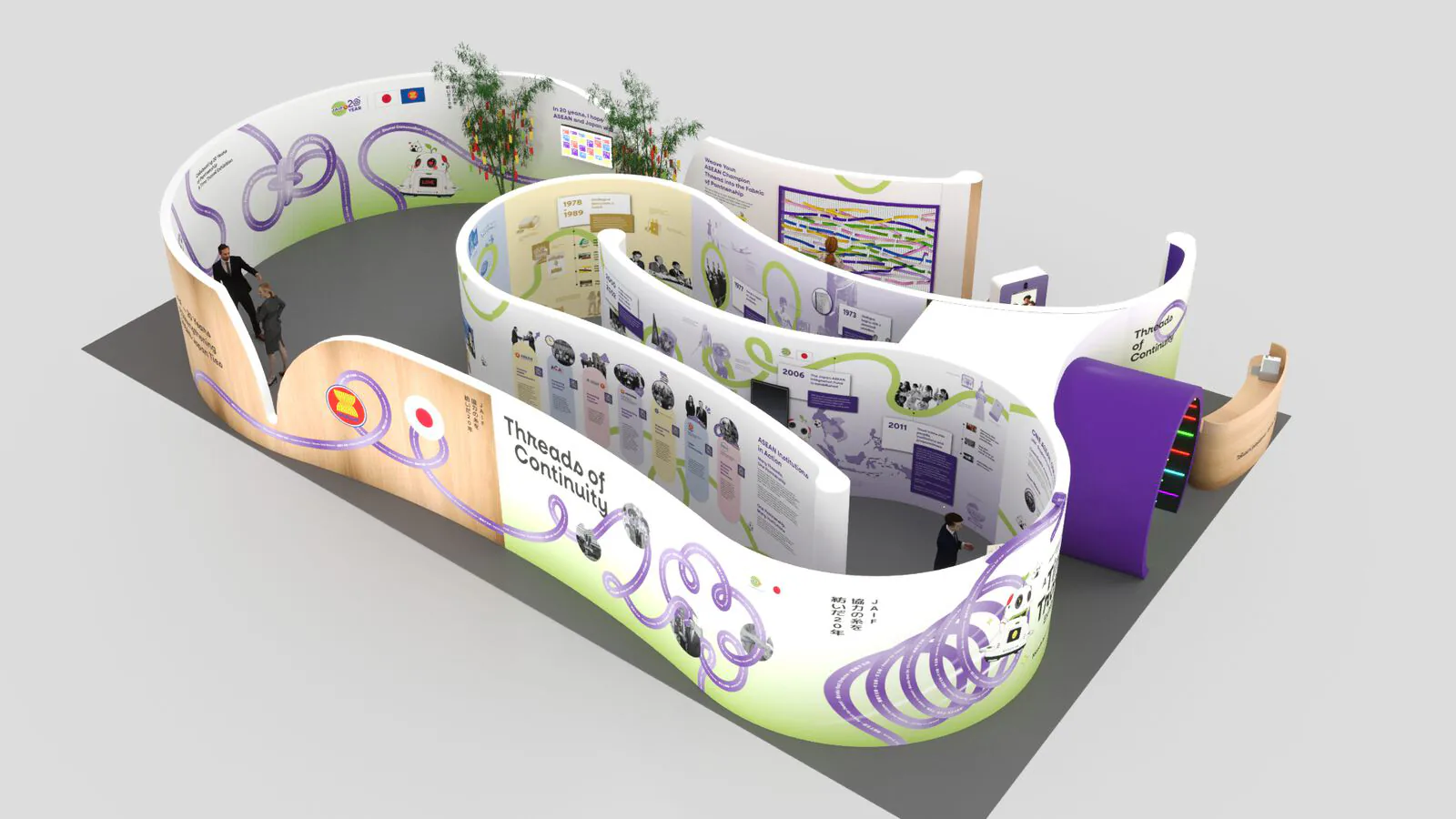
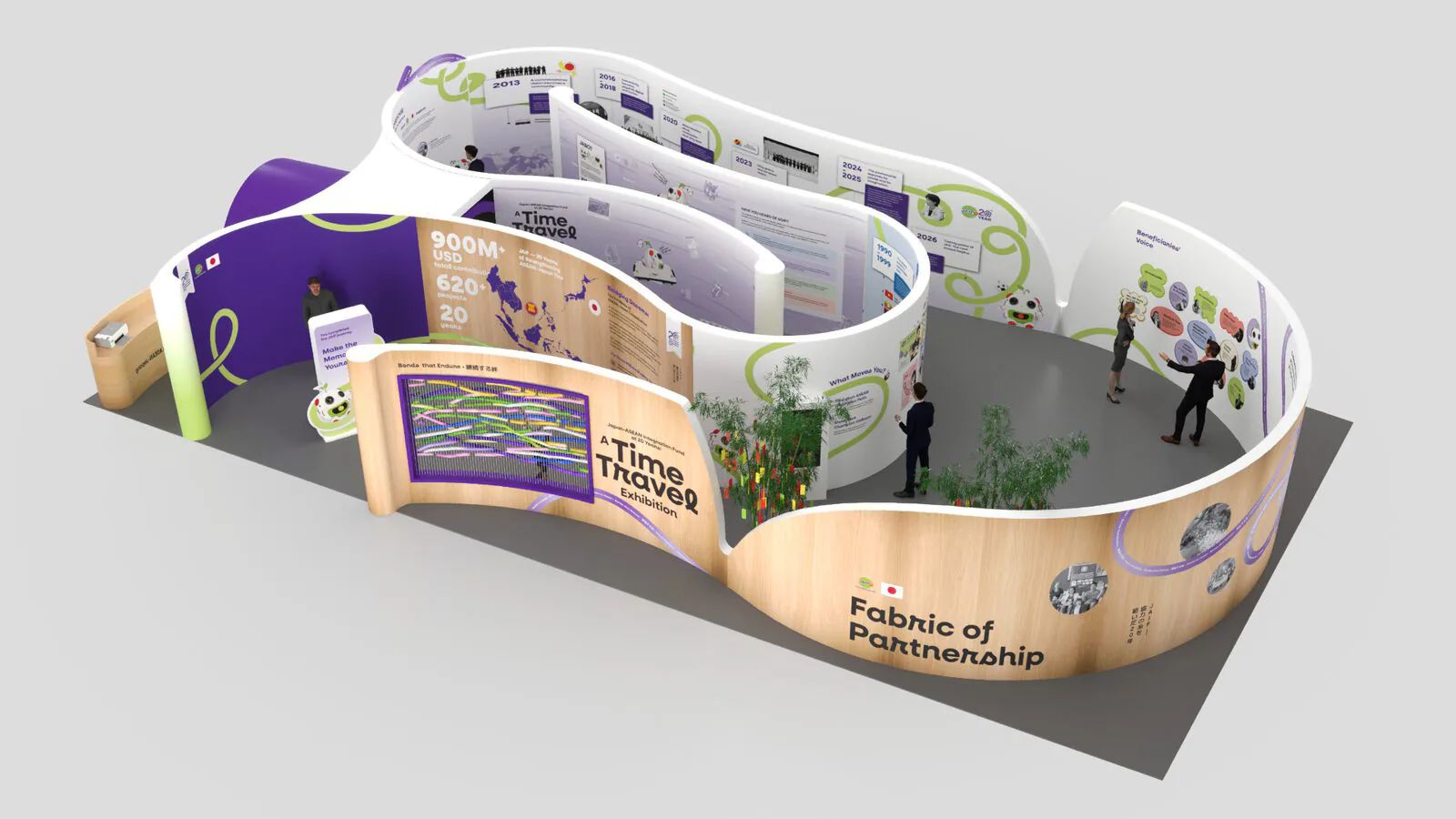
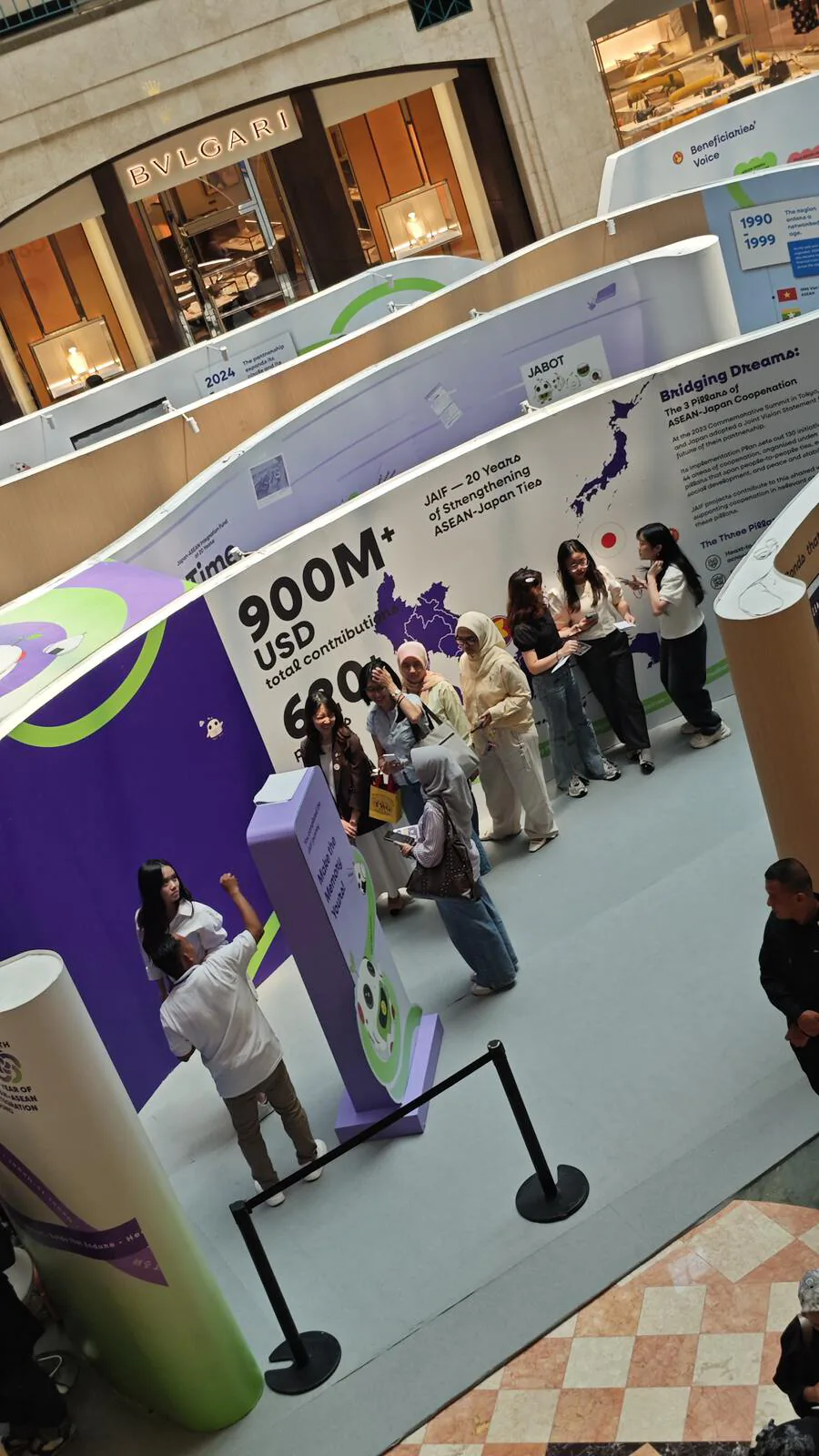
JAIF, the Japan-ASEAN Integration Fund, marked 20 years with A Time Travel Exhibition at Plaza Senayan, Jakarta. Working with the agency Flourish, we built JABOT’s AR Camera, the exhibition’s augmented reality layer. Visitors scan a QR code, the phone browser turns into a camera, and the walls, a passport booklet and JABOT, the event mascot, come to life.

The Brief

  • A walk-in mall crowd. Nobody installs an app for a twenty-minute visit.
  • iPhone and Android alike, opened from a QR code - often inside Instagram’s or TikTok’s own browser.
  • A bright, busy atrium. Tracking has to hold while people walk past.

Our Scope

  • WebAR engineering: image tracking for every printed marker and the content pinned to them.
  • The camera app: welcome screen, scan HUD, collection progress, how-to guide and photo capture.
  • Bringing Flourish’s passport animation into AR as a layered scene that follows the print.
  • On-site tuning: marker crops, overlay scale and smoothing, tested on the exhibition floor.

01The Experience

Three Ways to Meet JABOT

One camera, three kinds of AR. Each one is a printed piece in the exhibition that only reveals itself through the phone.

01 / 03

Find All JABOT

Scavenger hunt

Twelve JABOT stickers hide around the exhibition, each one dressed in the traditional costume of an ASEAN member state or Japan. Scan one and it pops out of the wall. A counter keeps score, and a full set earns a JABOT stamp at the booth.

  • 12 costume markers
  • Progress saved on the phone
  • Prize for the full set
Found 1 of 12, then the collection
  • JABOT in Baju Kurung, BruneiBrunei
  • JABOT in Baju Adat Khmer, CambodiaCambodia
  • JABOT in Jawi Jangkep, IndonesiaIndonesia
  • JABOT in Kimono, JapanJapan
  • JABOT in Sinh & Lao Blouse, LaosLaos
  • JABOT in Baju Melayu, MalaysiaMalaysia
  • JABOT in Longyi & Taikpon, MyanmarMyanmar
  • JABOT in Baro’t Saya, PhilippinesPhilippines
  • JABOT in Sarong Kebaya, SingaporeSingapore
  • JABOT in Thai Chakri, ThailandThailand
  • JABOT in Tais Mane, Timor-LesteTimor-Leste
  • JABOT in Áo Dài, VietnamVietnam
02 / 03

The Passport Comes Alive

Animated scene

Point the camera at the Time Travel passport and its cover becomes a layered scene, with JABOT riding the time machine in front of the title. Flourish made the animation; we rebuilt it in AR, in layers, so it stays locked to the print as it moves in your hand.

  • Layered depth
  • Holds on a hand-held booklet
  • Animation by Flourish
The passport cover turns into a scene
03 / 03

Bridging Dreams Map

Map reveal

A mural of ASEAN and Japan, plain to the eye. As the camera sweeps across it, icons for JAIF’s three pillars - heart, growth and peace - drop onto the places they belong, one area at a time.

  • Icons drop in per area
  • Placed with our own setup tool
  • Smoothed so pins stay put
Pins drop in as the mural is scanned

02Quick Primer

What Is WebAR?

Augmented reality puts digital things into the camera view and keeps them pinned to the real world. WebAR does it in the phone’s browser, with no app to install.

Scan a sticker on the wall, JABOT appears on the phone

How image tracking works

  1. 01

    Learn the artwork

    Before the event, each printed marker is turned into a fingerprint of its sharpest details. All of them fit in one small file the phone downloads once.

  2. 02

    Find it in the camera

    The browser reads the camera feed and looks for those fingerprints, frame by frame, on the phone itself. No video leaves the device.

  3. 03

    Pin the content

    Once a marker is found, its position and angle are known, so JABOT is drawn right on top of it and moves with it.

Native AR appWebXRImage-tracking WebARWhat we used
InstallApp store downloadNoneNone
iPhoneYesNot in SafariYes
AndroidYesChrome on ARCore phonesYes
Anchors toFloors, walls, facesFloors and wallsPrinted artwork

WebXR is the newer browser standard for AR and VR. It maps the room instead of recognising a picture. For an exhibition made of printed walls, image tracking was the better fit, and it runs on any recent phone.

03Under the Hood

Built for a Busy Mall Floor

Visitors give it one try, on whatever phone they have. These details keep that first scan working.

  • Checks before the camera

    Opened inside Instagram or TikTok, the in-app browser can’t reach the camera. We spot that and show how to reopen the link in Chrome or Safari, instead of a black screen.

  • Loads while you read

    The tracking data and 3D library start downloading on the welcome screen, so tapping Start opens the camera with little or no wait.

  • Progress that stays

    Found JABOTs are saved on the phone. Close the tab, come back later, and the hunt picks up where it stopped.

  • Steady, not shaky

    Overlays are smoothed between frames, and markers were re-cropped after tests on site, so content holds still even when hands don’t.

Let's Build The Engine

Bring the idea, or just the problem. We'll shape the experience and build the engine behind it.